Pack# Packaging Application Software
Pack# professional packaging software has released V14.5 Traditional Chinese version, mainly used for gravure, screen printing, flexographic printing, box printing, and tinplate printing. It provides automatic gap filling, imposition, and many other convenient file processing and inspection tools specifically for the packaging industry. It can improve the speed of prepress file processing, enhance print quality, solve effects that cannot be handled manually, reduce error rates, and help customers standardize their operations. It has a very easy learning curve and is available with an annual subscription plan, which has gained recognition and use from many packaging customers.
V14.5 Features: Supports new versions of MAC OS, Windows 11, and Illustrator CC 2026; Image Trap supports transparency settings for better image trap quality, improving the quality of automatic image traps; Color adjustment now allows for free setting of multiple inks to retain; Enhanced use of interactive traps, which can be combined with trap tickets for more diverse applications, such as interactive white adjustment; Added dot calibration tool for quickly defining minimum dot size and tonal adjustments; Added Message window for easy access to various Pack# messages, such as license reminders, warnings, errors, and information; Ink Manager now allows for drag-and-drop ink order adjustments; File comparison allows setting ink tolerance values; Special colors can be switched to CMYK for file comparison; PDF import function further improved…
- Automatic Trapping, imposition, and many other convenient tools can be used with all processes and equipment.
- Supports Adobe Illustrator CS6-CC2026 on PC/MAC M5 and Intel chipsets (Windows XP-Windows 11, Mac OSX)
- Traditional Chinese, Japanese, and English versions are available.
- Front-end operations in the workflow should be performed promptly to correct errors, avoid consuming workflow resources, and prevent file compatibility errors caused by cross-software processing.
- Effectively reduce prepress processing time, making your prepress processing faster.
Target users
Packaging & Label Printing Factory
Gravure printing, screen printing, flexographic printing, box and offset printing, tinplate printing, and other plate-making and printing plants
Universities and educational institutions
Advertising design company
Pack# provides a suite of design tools that can be helpful to designers.
Pack# is suitable for designers of all kinds of prepress work.
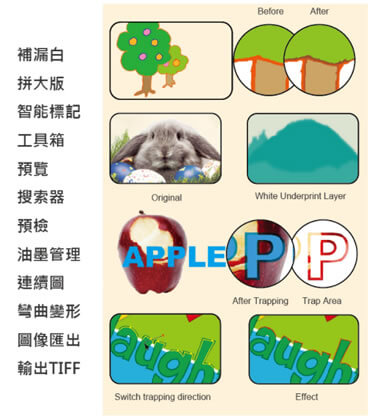
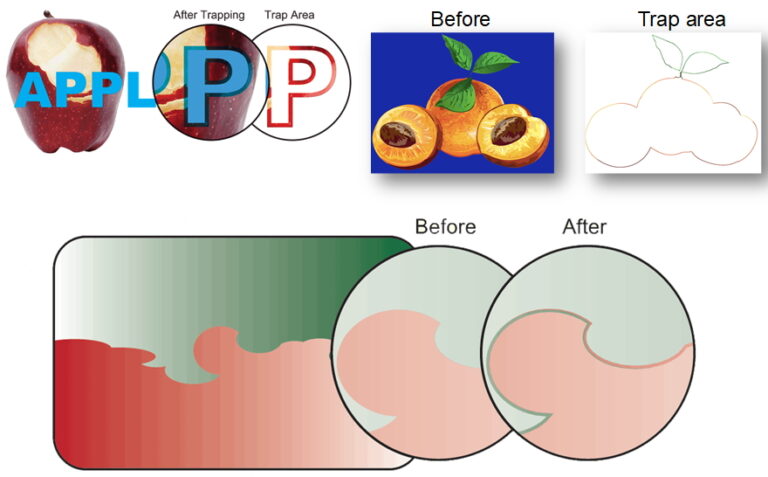
Auto trap in the image
The use of Trap is almost impossible to complete by hand.
Trap preview Window
Trap preview Window can quickly and directly see the results of the processing.
Fill gaps
Fill the gaps that the customer had accidentally made.
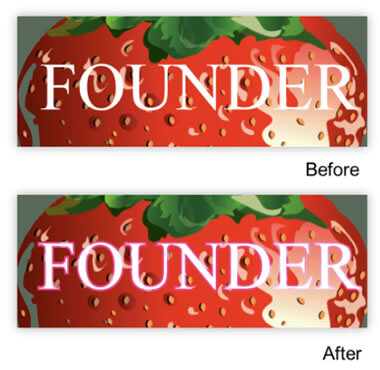
Keep Color
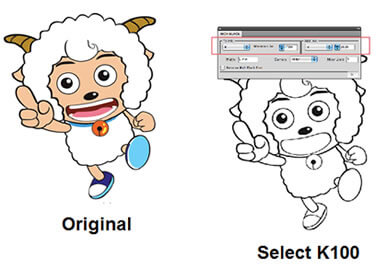
Quick outlining
兩秒鐘,快速產生原始向量圖檔的線條稿
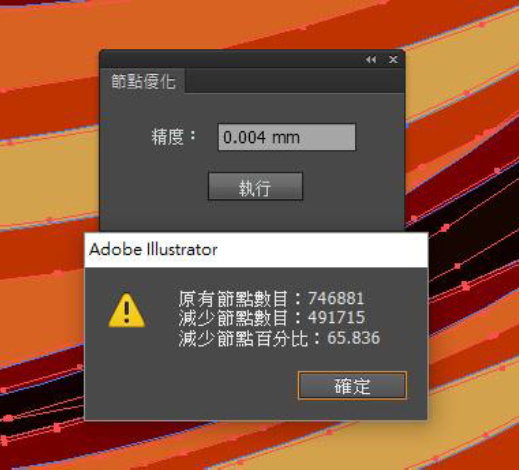
Node optimization
Files with too many nodes often lead to inefficiency for graphic designers and output staff. Node optimization can effectively handle files with too many nodes, making file processing smoother.
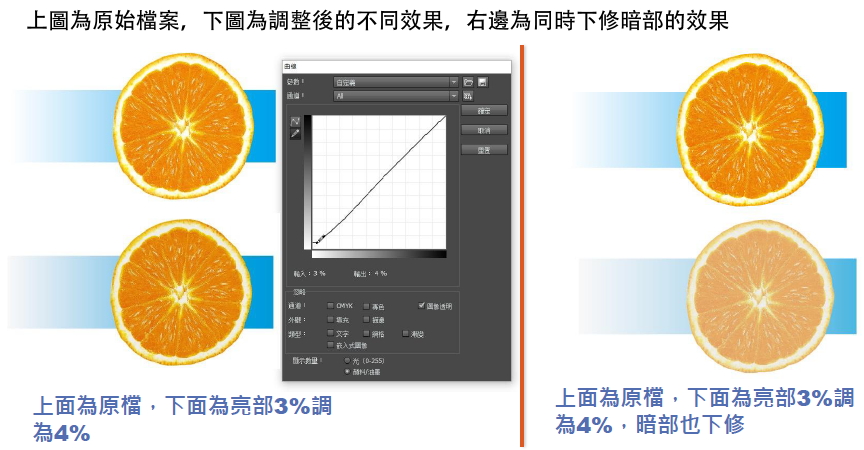
curve
Adjust the saturation percentage curves of images and vectors directly in AI. It supports importing Photoshop's ACV files and can also export the adjusted curves to Photoshop for use. The effects can be applied in AI in image or vector files (including color blocks).

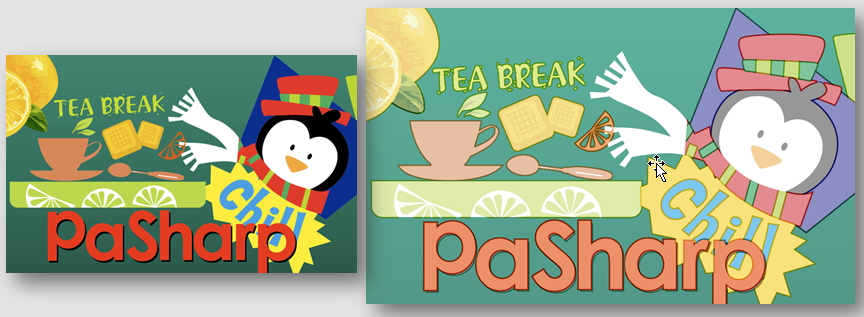
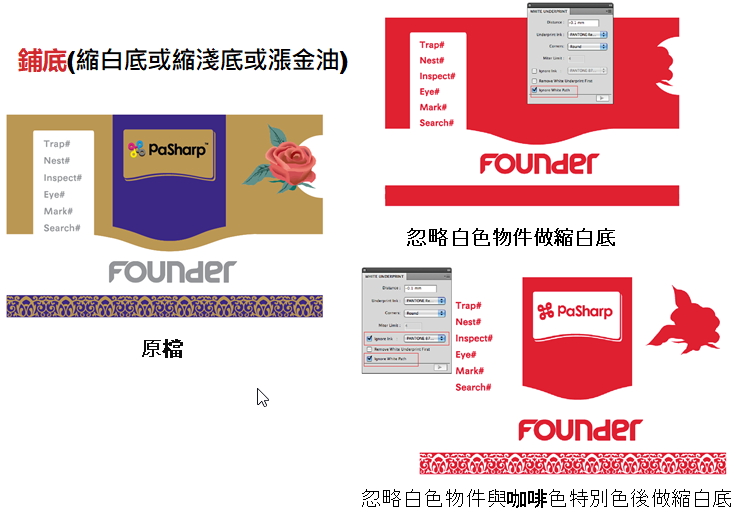
鋪底
可針對客戶不同需求,快速內縮白底或縮淺底或漲金油。
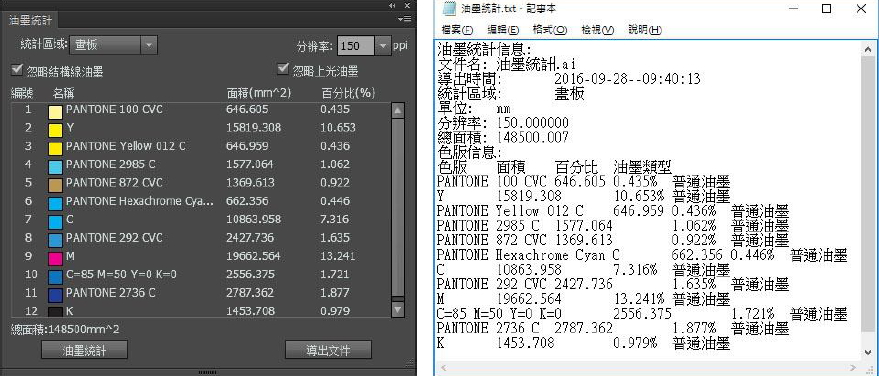
油墨統計
油墨統計可匯出每個檔案的油墨使用量,方便油墨的使用與管理。
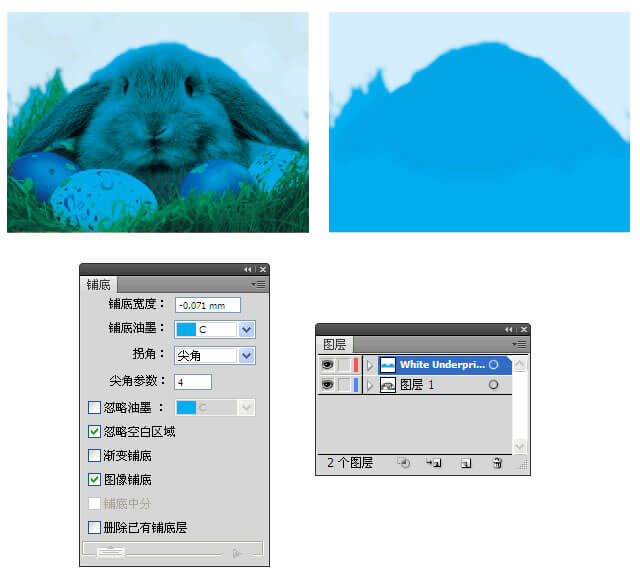
影像檔透明度快速去背
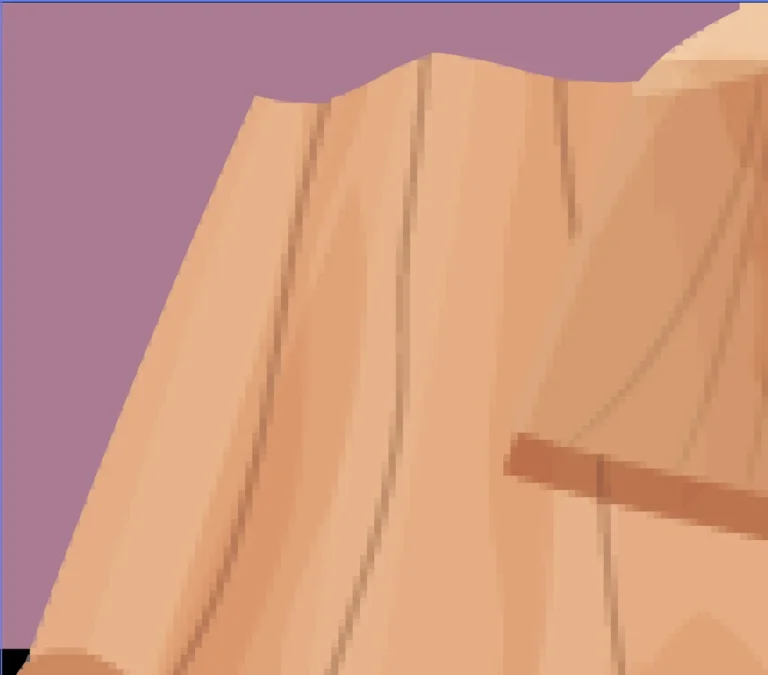
影像檔有透明度可快速去背,若是低解析鋸齒圖可消除鋸齒,提昇Trap效果
拼版
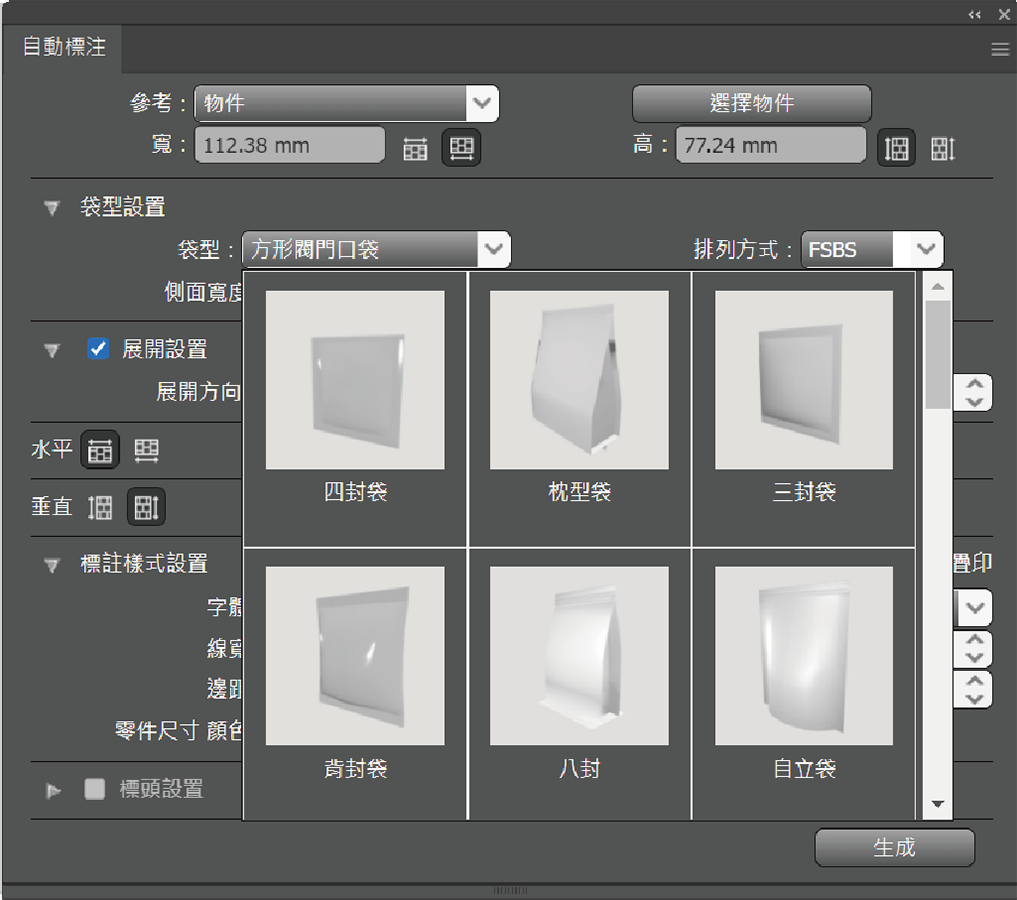
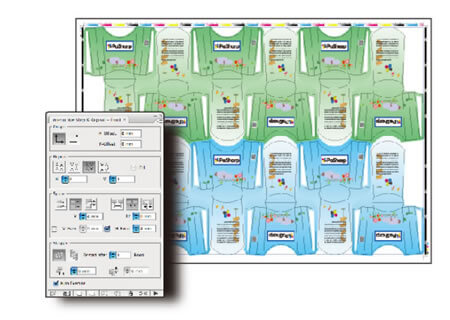
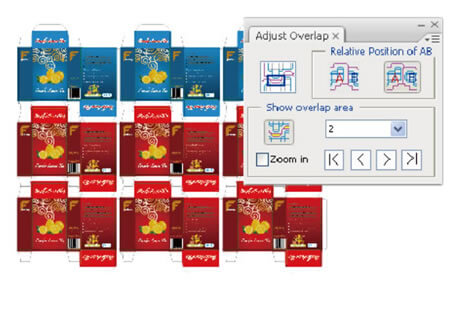
包裝拼大版、支援標準的DXF格式與CFF2格式、 支援在AI中手工製作的CAD盒形、提供三種專業的包裝拼版模式、支援自動插拼、分類盒型編號功能、強大的出血功能、強大的智能標記、支援自定義變量、方便實用的模板功能
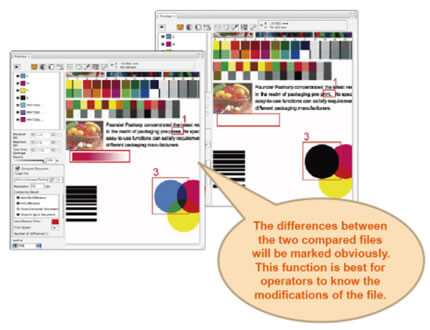
比對檔案Files Comparison
手工要半天,軟體比較只需要幾分鐘。
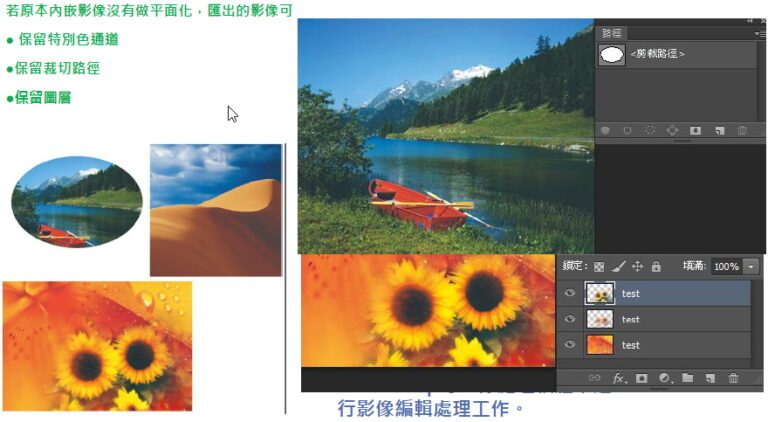
圖像匯出
客戶來的嵌入圖檔,可以直接轉成連結圖檔,除品質不變外,若圖檔有做特別色通道、裁切路徑、圖層,都可保留,解決客戶沒有給圖片檔案的煩惱
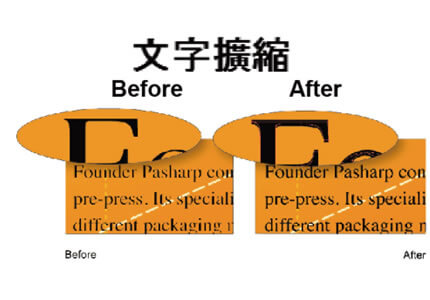
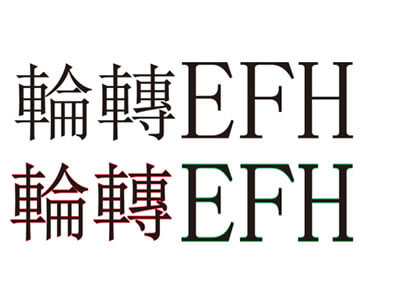
文字擴縮
除了文字擴縮,也可以針對向量做局部加粗或減細的處理
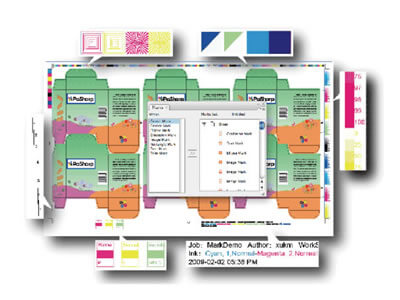
智能標記
智能標記包含印刷中經常用到的各類標記,這些標記會根據作業中使用的油墨自動進行匹配,確保印刷標記與當前作業中的油墨保持順序一致。用戶可以使用“自定義標記”功能將生產流程中特有的標記匯入到檔案中;智能標記功能大大減少了重複工作的時間,讓完成的標記檔案能在不同檔案中重複使用。
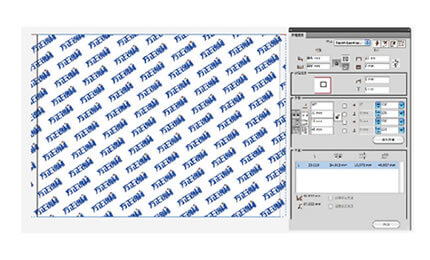
無縫拼版(連續圖)
快速產生客戶不同需求的無接縫大版,藥包、包裝紙等印刷品經常使用重複排列的設計類型,這種設計需要做在印版的周向無縫,有的設定要求軸向也是無縫,(無縫指兩頭接起來時圖案能夠重合)。這種設計計算比較複雜。 方正銳利輸入基礎參數,軟體自動根據輸入數值做適當微調後計算出完美的方案。使專業的任務簡單化。
彎曲變形
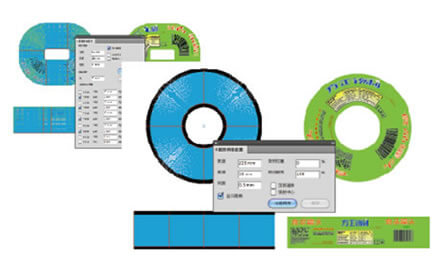
罐頭檔案變形、紙杯檔案變形、光碟片檔案變形,例如兩片罐印刷需要進行沖壓,而沖壓成型後的效果很難預測,往往達不到需要的效果,需要多次校正,而一般軟體變形功能無法滿足需求。 Pack#可以設定圓形、扇形和複雜形狀的變形,根據行業應用特點量身定做,使專業的任務簡單化。
輸出TIFF
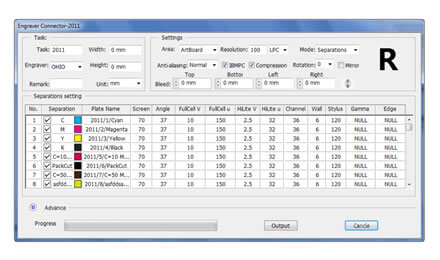
輸出凹版雕刻機用Tiff檔,直接給凹版雕刻機使用